


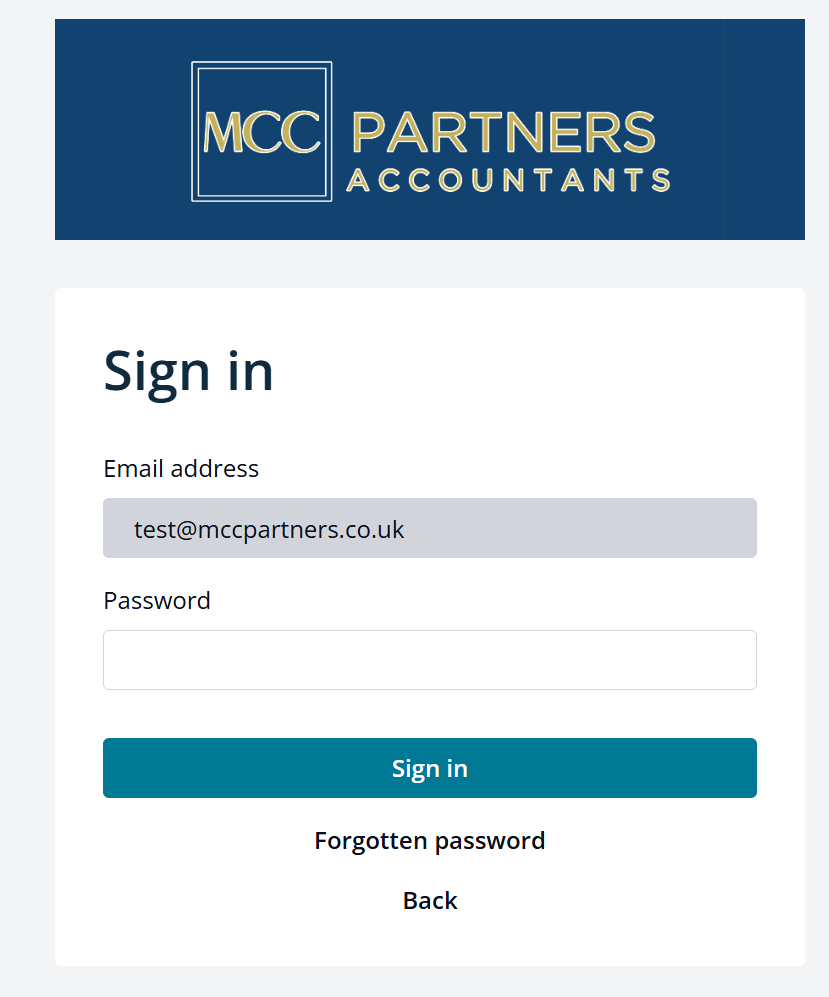
Request a Forgotten Password on the MCC Partners Portal
How to Request a Forgotten Password on the MCC Partners Portal
If you have forgotten your password for the MCC Partners portal, follow these steps to reset it:
-
Go to the Sign-In Page
-
Open your web browser and navigate to https://portal.mccpartners.co.uk/signin.
-
-
Enter Your Email Address
-
On the password reset page, enter the email address associated with your MCC Partners account.
-
-
Click on ‘Forgot Password?’
-
Below the login fields, look for the ‘Forgot Password?’ link and click on it.
-
-
Submit Your Request
-
Click on the ‘Submit’ or ‘Reset Password’ button.
-
-
Check Your Email
-
You should receive an email with a password reset link. Check your inbox and spam/junk folder if you don’t see it.
-
-
Follow the Instructions in the Email
-
Click on the password reset link in the email and follow the instructions to create a new password.
-
-
Sign In with Your New Password
-
Once your password is reset, return to the sign-in page and log in with your new credentials.
-
If You Still Cannot Reset Your Password
If you encounter any issues during the process or do not receive a password reset email, please contact MCC Partners for assistance:
-
Phone: 01474 619 990
-
Email:
This email address is being protected from spambots. You need JavaScript enabled to view it.